 GPS
GPS
 Total Station
 Nederland

Aplitop Tcp Tunnel Scan

Request pricing

Find RTK Networks
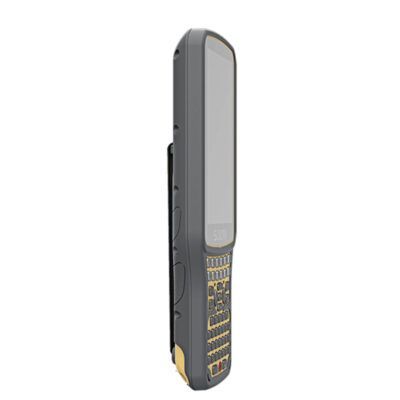
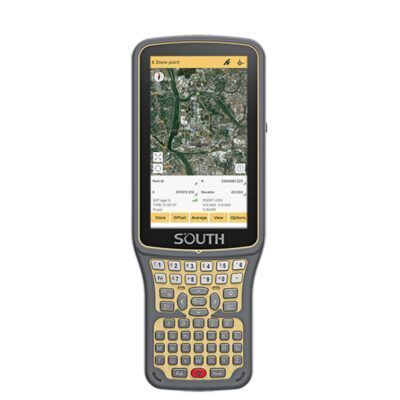
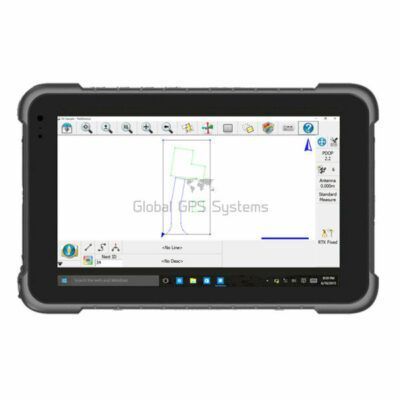
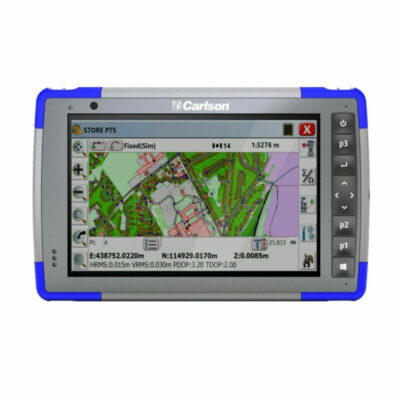
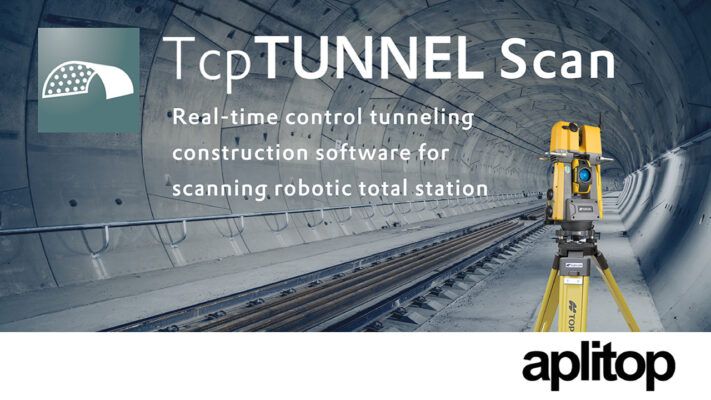
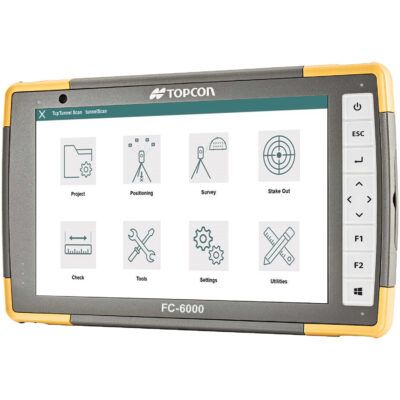
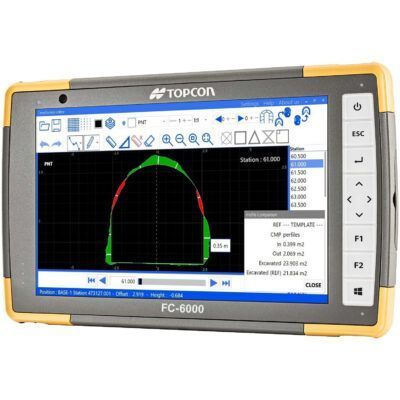
Search NTRIP ProvidersTcpTUNNEL Scan installs on a Windows tablet connected to the scanning robotic total station TOPCON GTL-1000.
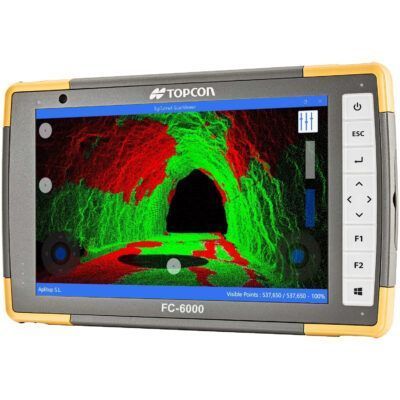
The software commands the scanning of the tunnel vault or face and show the point cloud in a powerful 3D viewer. High definition tunnel cross-sections are calculated, and they can be compared to the tunnel design, showing the underbreak and overbreak areas. Selecting any point of the profile on the screen, the laser pointer marks the position in the tunnel and vice versa.
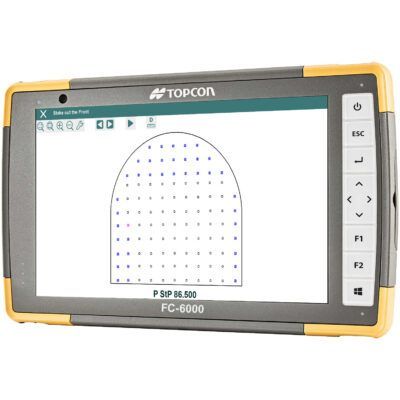
TcpTUNNEL Scan facilitates the stake out of the tunnel front, for example the drill hole points for the next blasting excavation sequence, points on the template, rock bolts, road surface and more.
Datasheets and manuals
Datasheet
Installation Manual
Manual






Aplitop Tcp Tunnel Scan
Request pricing
Get a personalised quotation with detailed advise from our experts.

Try our GNSS guide!
Start GNSS Quide
Worldwide Shipping From The Netherlands
100% Shipping Insurance on Damage and Loss
Experts in Import / Export / Tax and Duties
Premium Support from Product Experts


 GPS & GNSS
 Total Stations
 Data collectors
 Software
 Correction services
 Machine control
 External radio
 Lidar & 3D scanning
 Drones
 Lasers & levellers
 Marine
 Accessories
Reviews
There are no reviews yet.